

View backlinks from competitors' websites for free so that you can then list your own website there
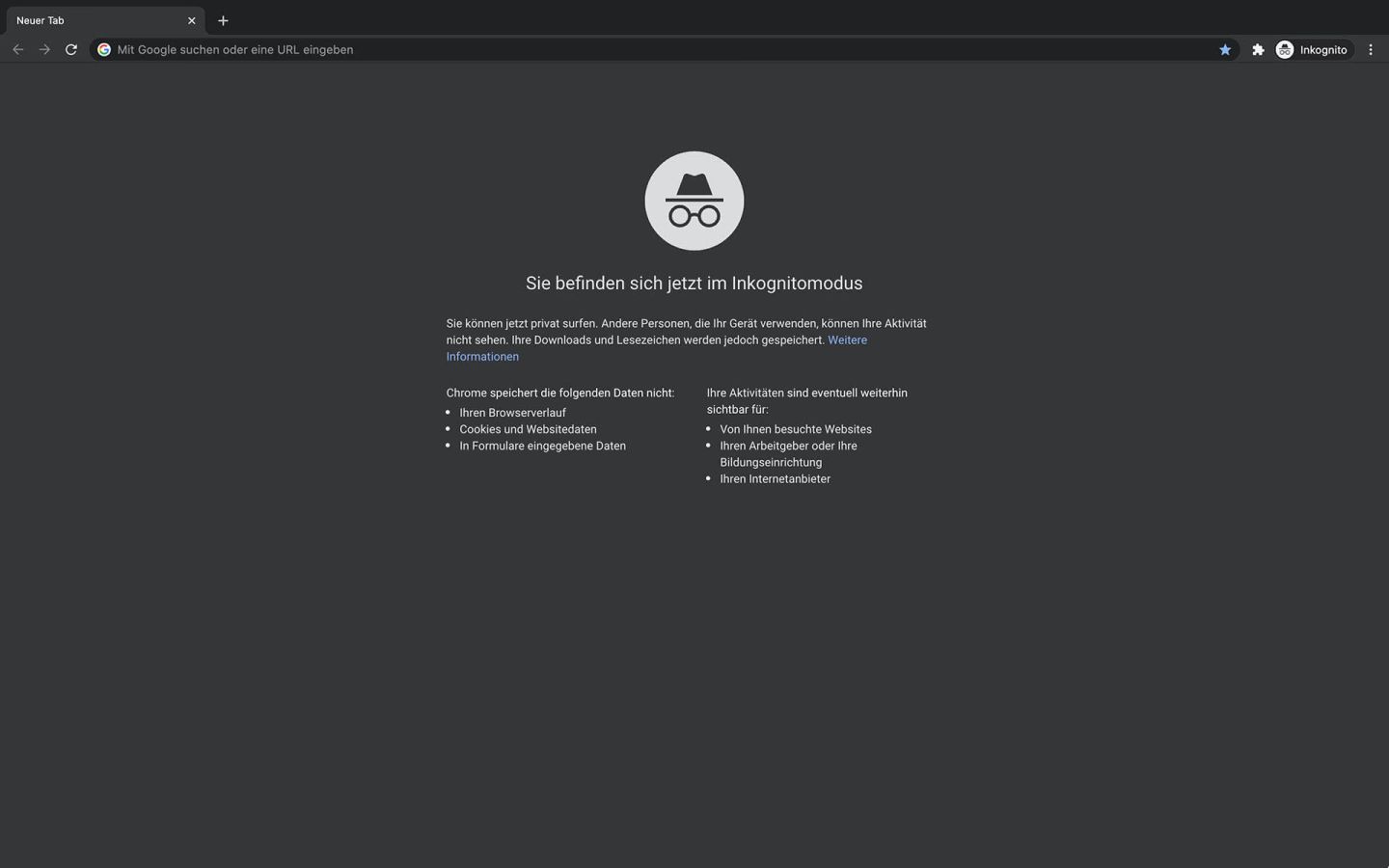
1. Switch the browser to incognito mode
(see instructions). This is necessary so that the search results are not “distorted” by Google as a result of previous search queries and previous surfing behavior. With private or incognito mode, a relatively objective search result is displayed.
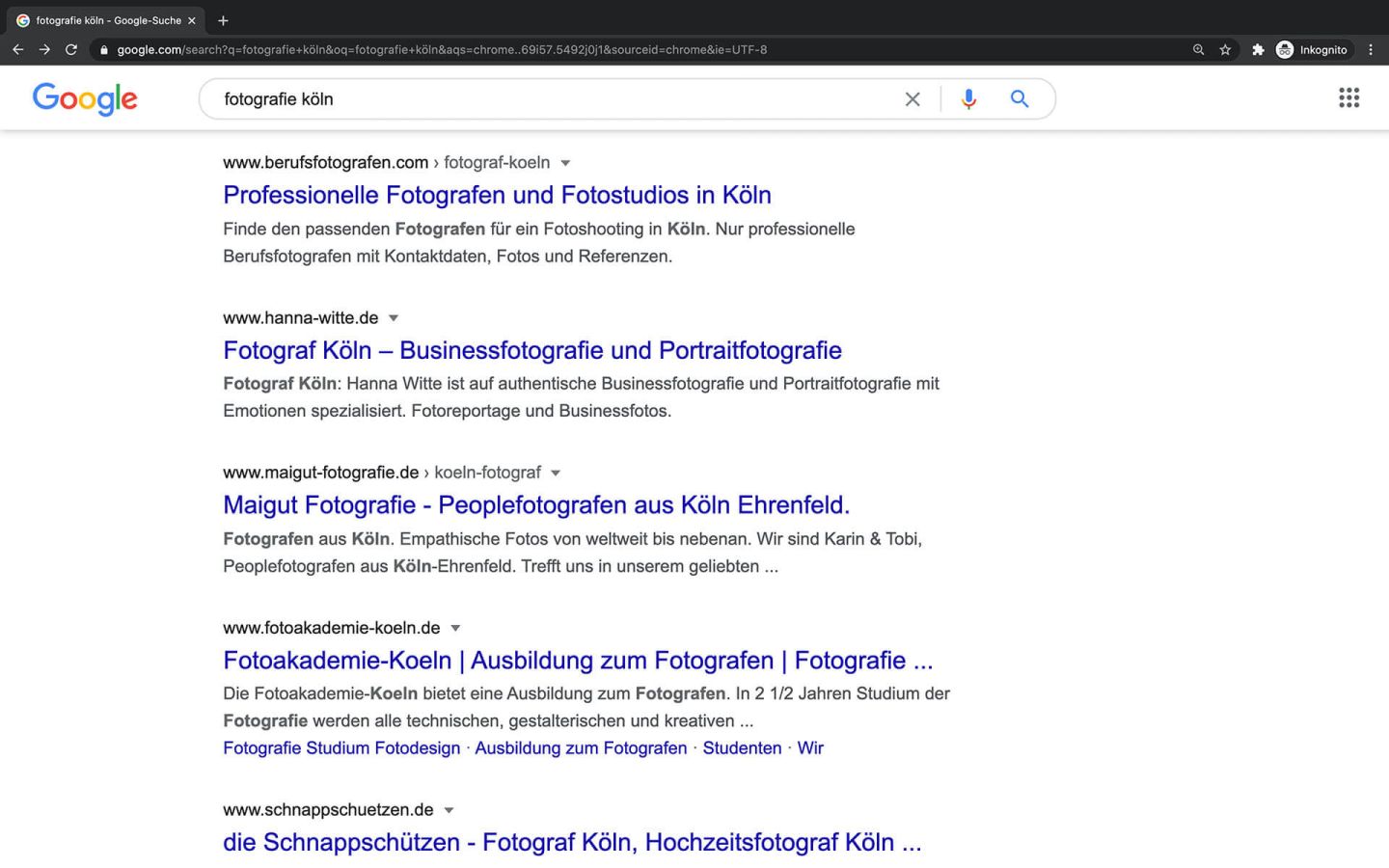
2. Select the competitor website
You search for the search term. Now you copy the domain of the first result. If the first result is a comparison portal or something similar, you look for the first real competitor website that is displayed.
For the search term “fotografie köln”, for example, the first result you get is “berufsfotografen.com”.
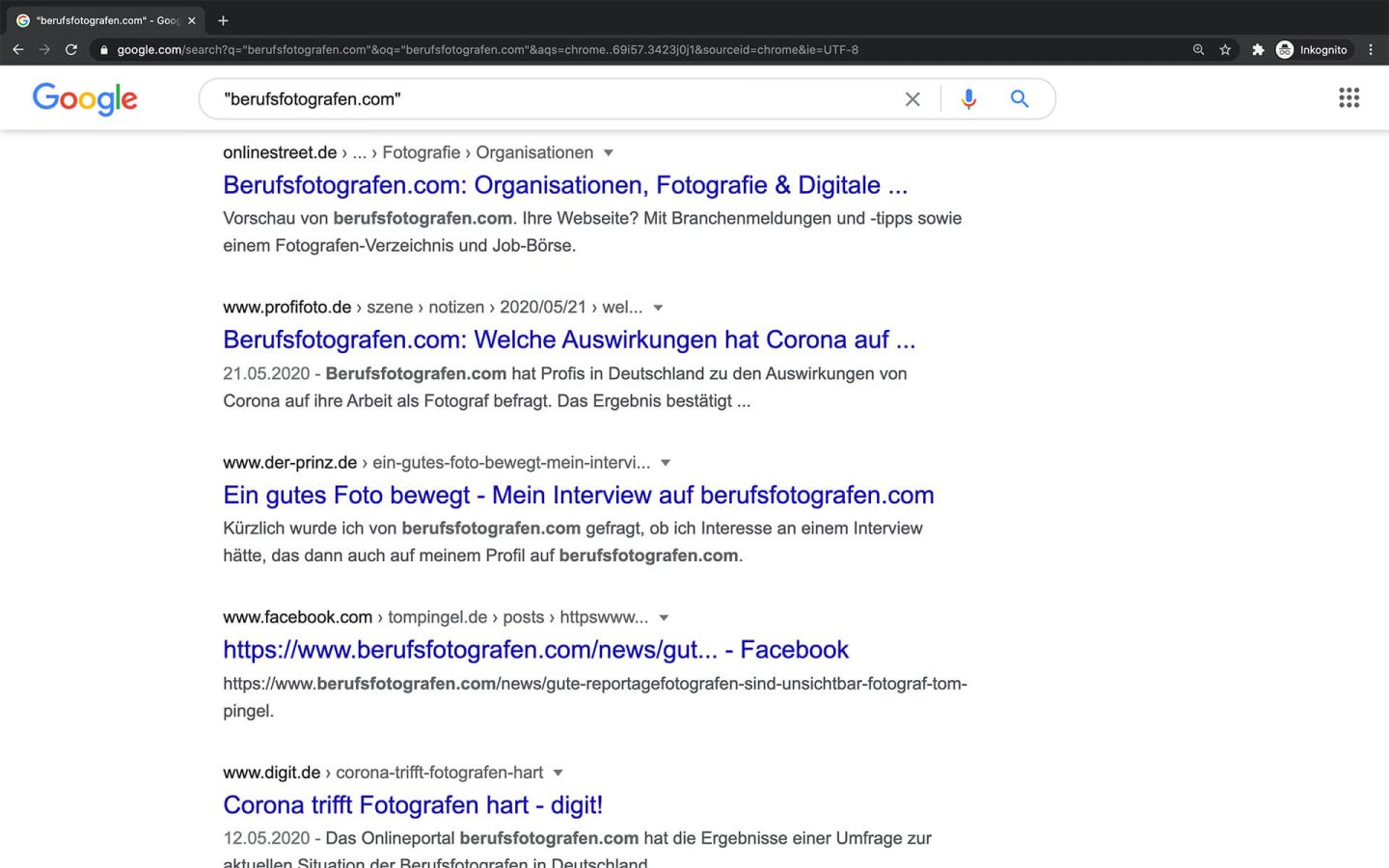
3. Search for the copied domain
If you now put the copied domain in quotation marks and search for it on Google, all pages on which the searched domain appears are displayed after the domain itself.
In the example above, this returns results such as: onlinestreet.de, profifoto.de, der-prinz.de, facebook.com, digit.de, etc.
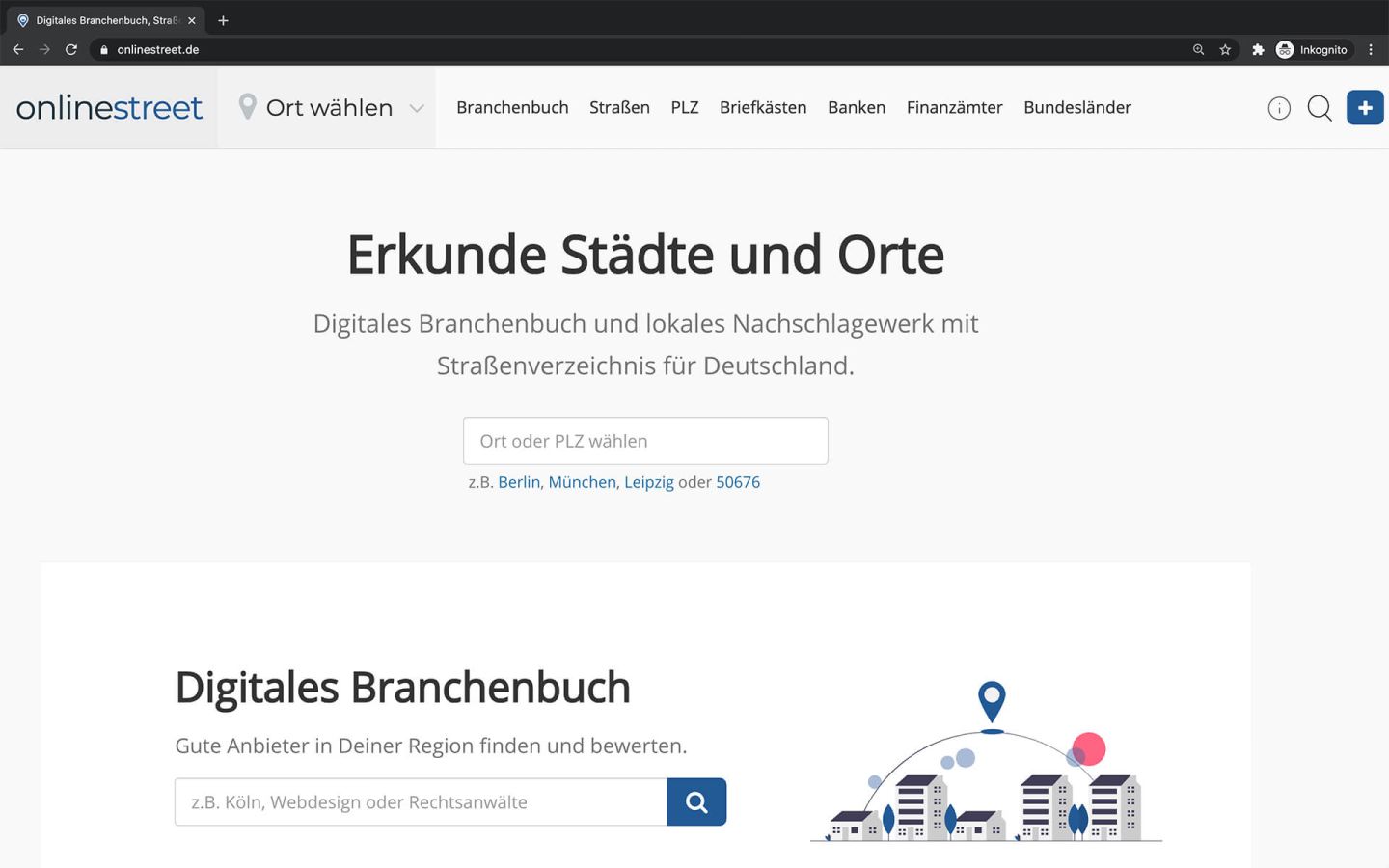
4. List your own website
Now you can click on all the results and check whether your own website can be listed there.
In the example above, you could now list your own site on onlinestreet.de.

5. Repeat as often as you like
Once the backlinks of the domain ranked first on Google have been found, you can continue with the next domain, i.e. the one ranked second on Google, and so on.